StreamCentral Clips
Turn every broadcast into social content.
Analyze long-form video, identify topics and highlights, reframe speakers, add captions and branding, then export or schedule clips.
AI Clips / Analyze
Export clip
Topics
Politics · Economy · Sports · Interview
Highlights
6 suggested clips
Inspector
Start · End · Duration
Topics
Highlights
Face Tracking
Captions
Publishing
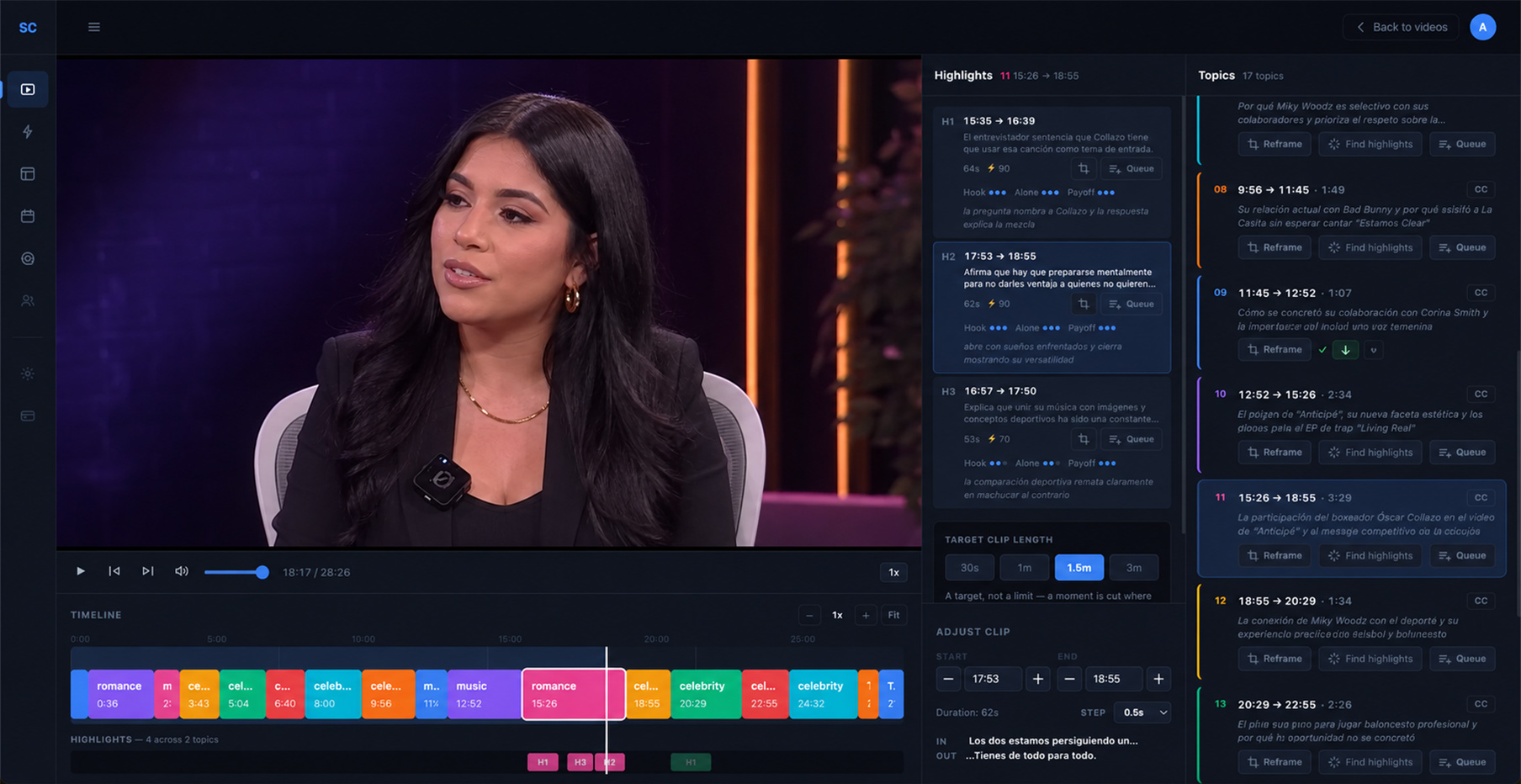
How It Works
From hours of video to publishable moments.
Topic Intelligence
See the show as organized moments.
The AI Clips page is built more like an editor workspace, with timelines, clip cards and output previews instead of generic feature blocks.
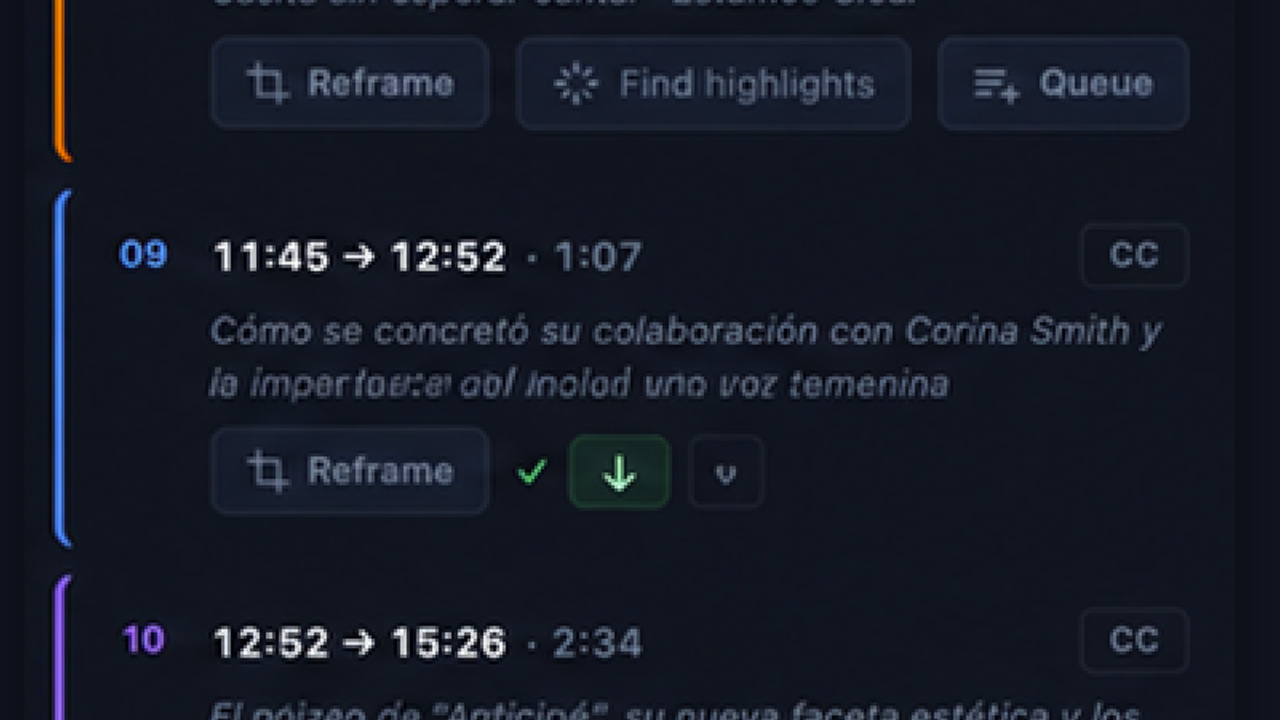
Find the main content segments worth reviewing.
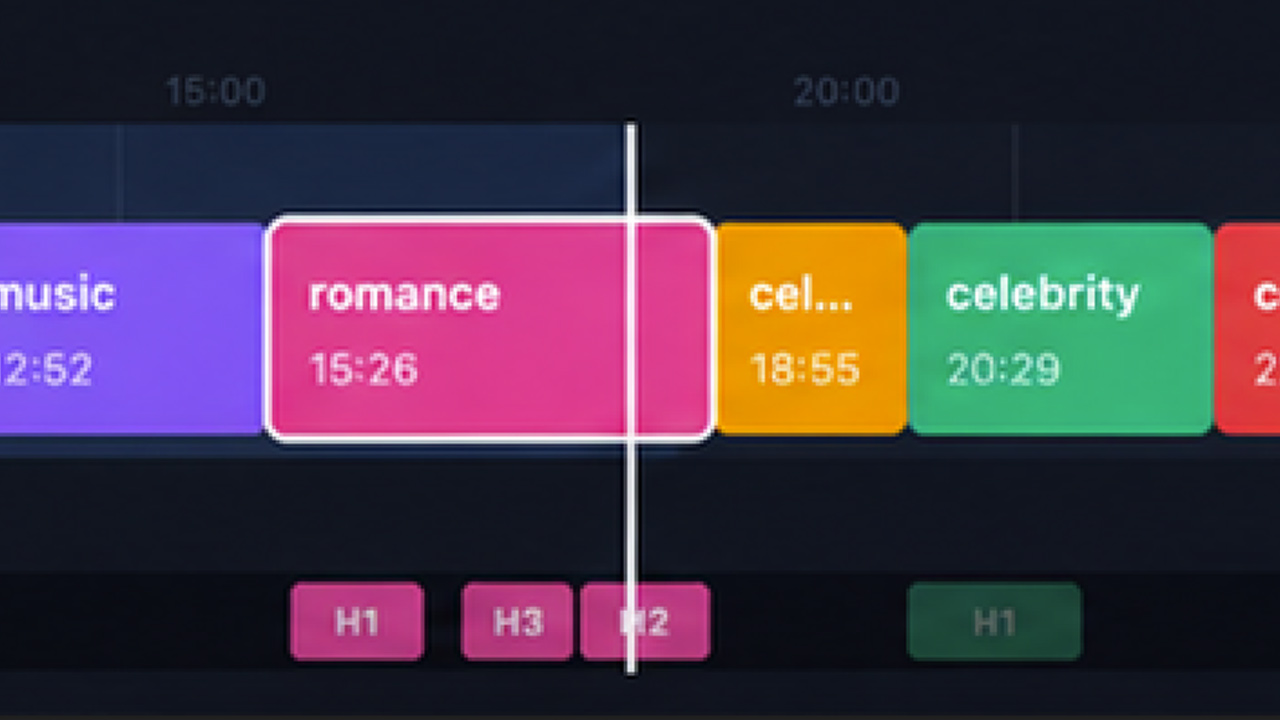
AI-selected moment nested inside the topic.
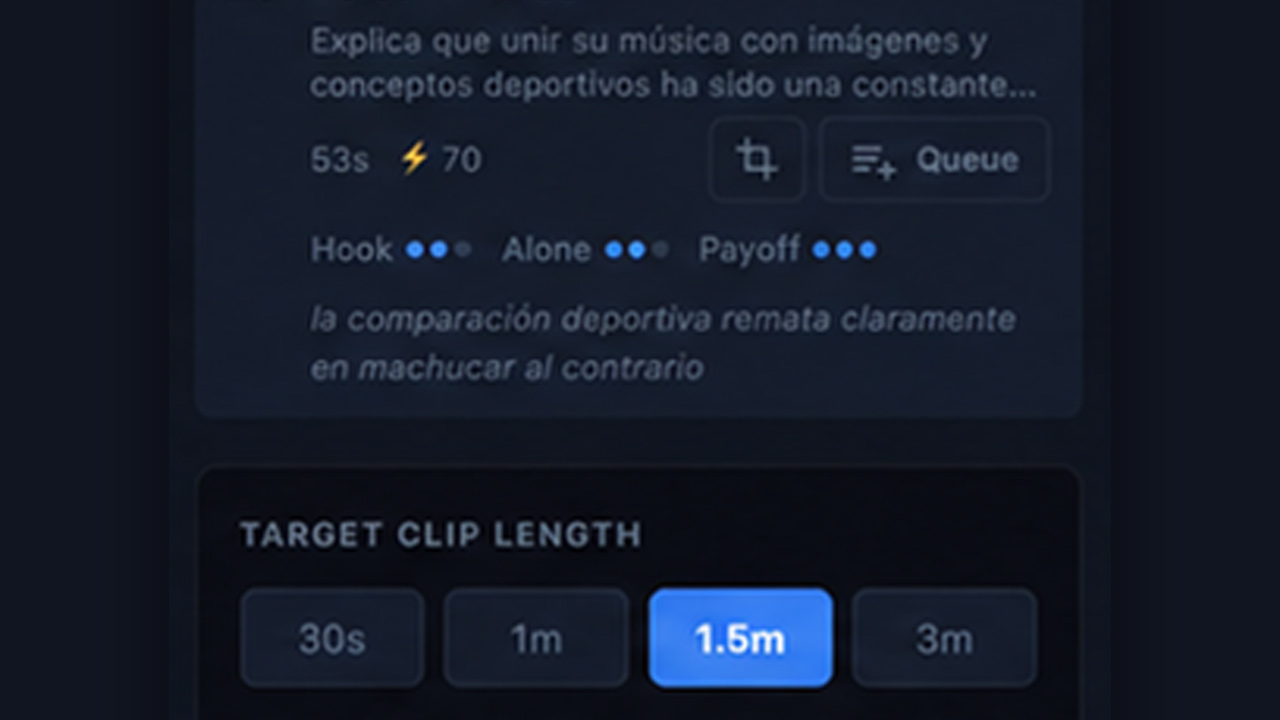
Which moments have the strongest potential to perform.
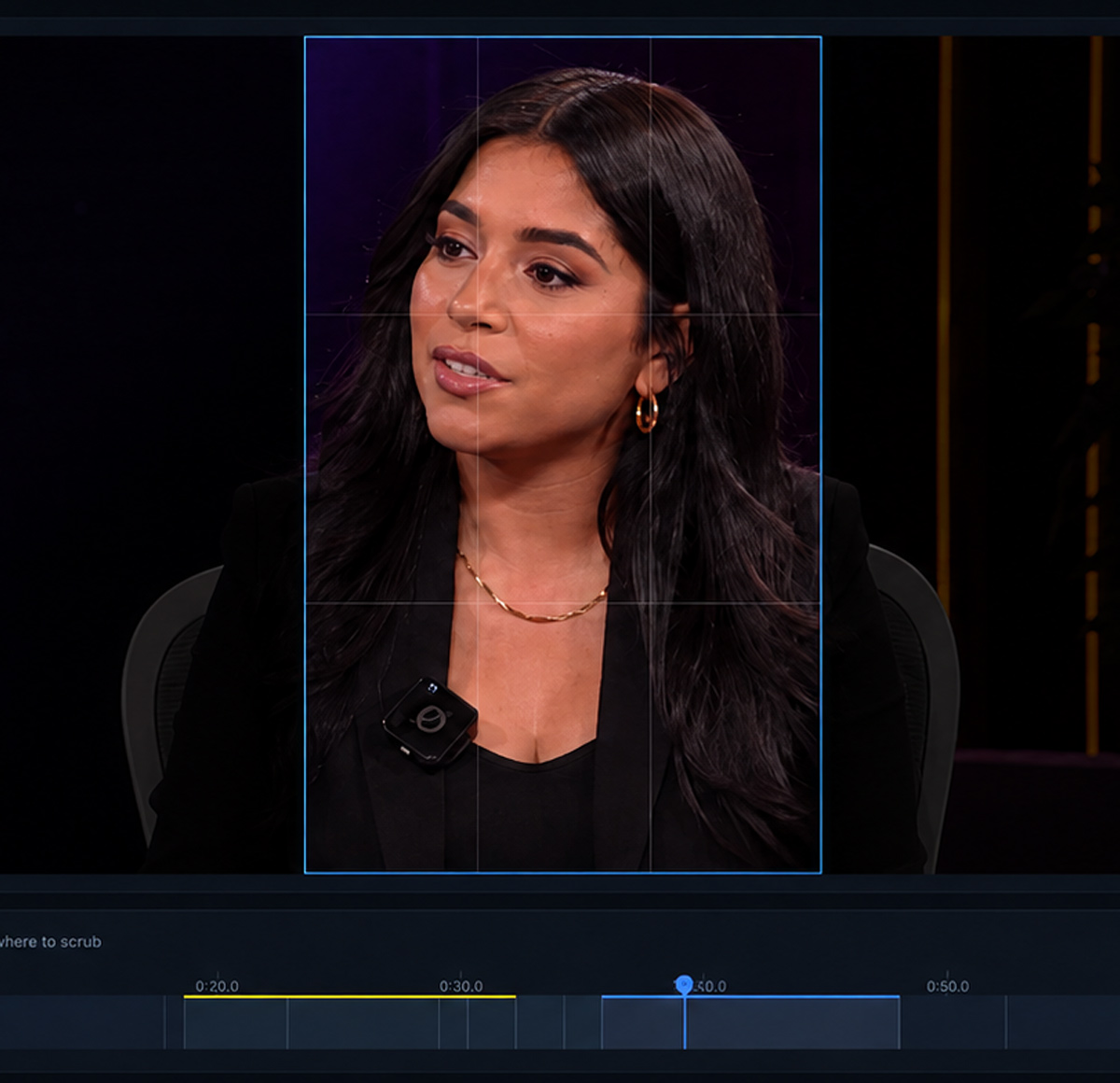
Smart Reframing
One clip. Every screen.
Automatically track faces and speakers so landscape broadcasts can become vertical or square social content without manual keyframing.
9:16
1:1
16:9
Face Tracking
Auto Captions
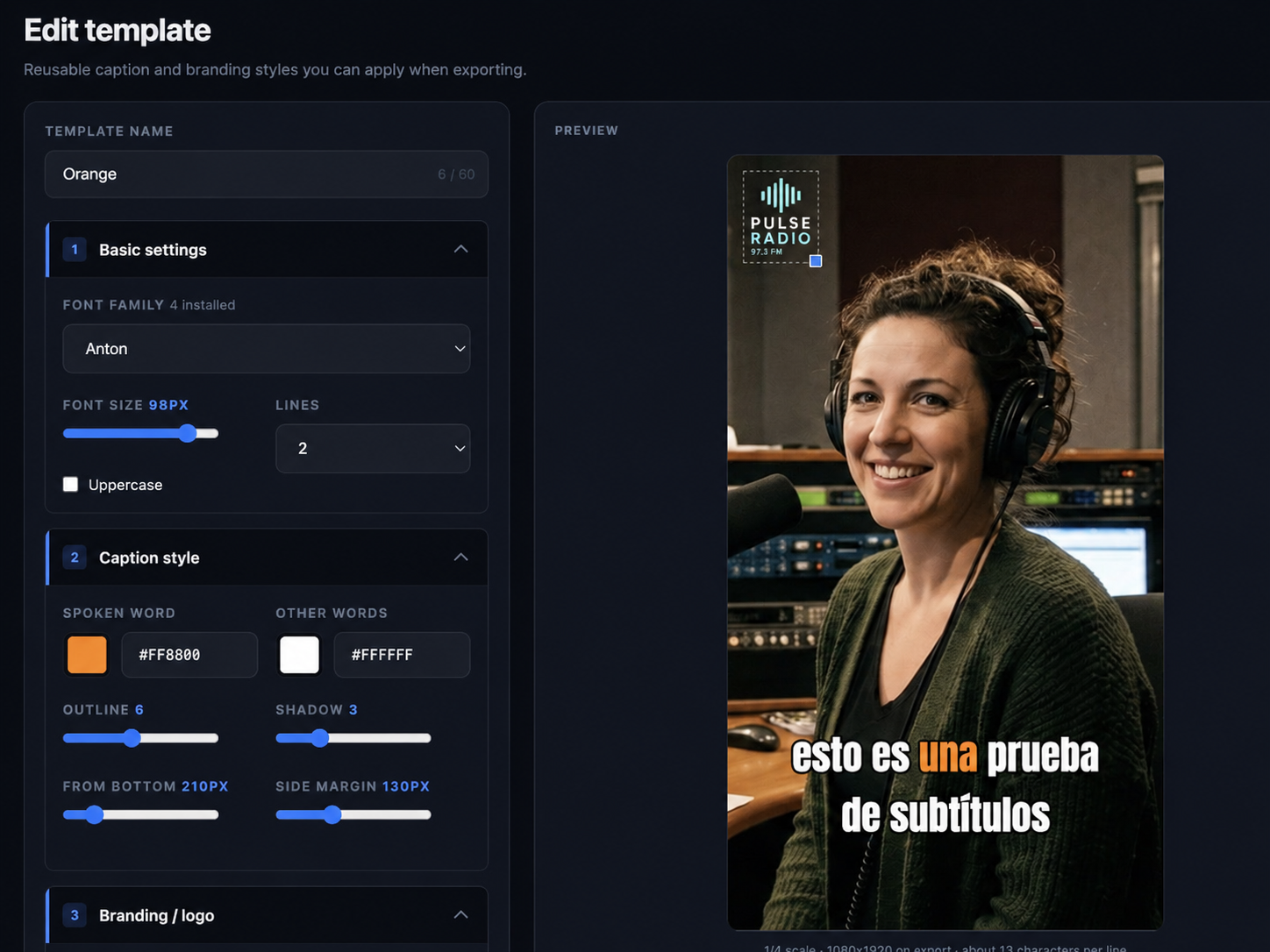
Brand Templates
Make every clip look like your brand.
Save the creative elements your team uses repeatedly, then apply them consistently across exports.
LogoReusable positioning.
Intro / OutroOpening and closing assets.
CaptionsConsistent treatments.
LayoutsSave reusable templates
Publishing
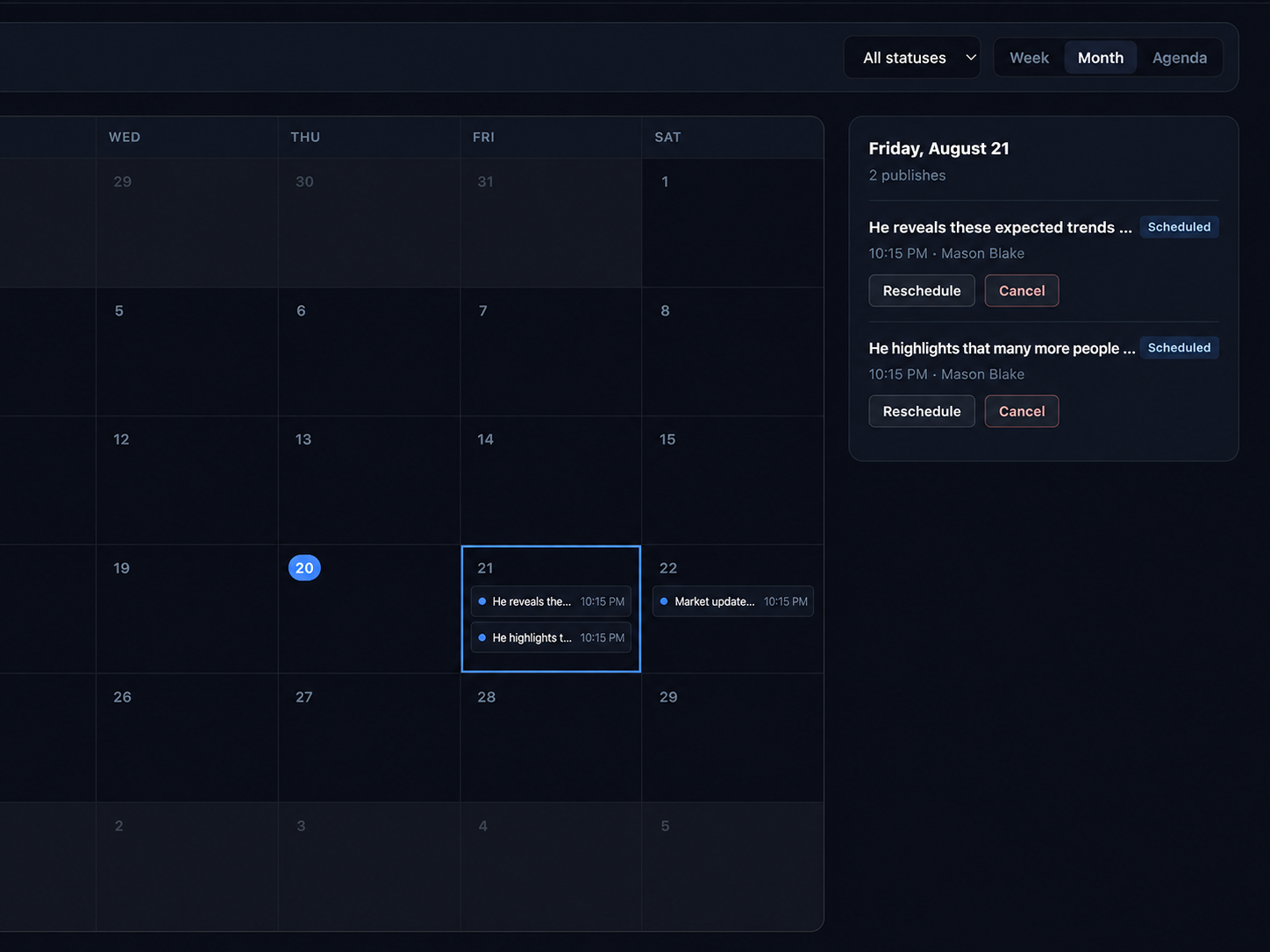
The workflow does not stop at export.
Move clips into a calendar, choose individual destinations or saved groups, schedule by timezone and track publishing status.
YouTube
Instagram
TikTok
Facebook
LinkedIn
Saved groups + repeat schedules
StreamCentral Clips
Make More From Your Content.
See topics, highlights, reframing, templates and publishing in one workflow.